
Creating high-quality videos once required expensive cameras, professional editors, motion designers, and hours of post-production.
Not anymore.
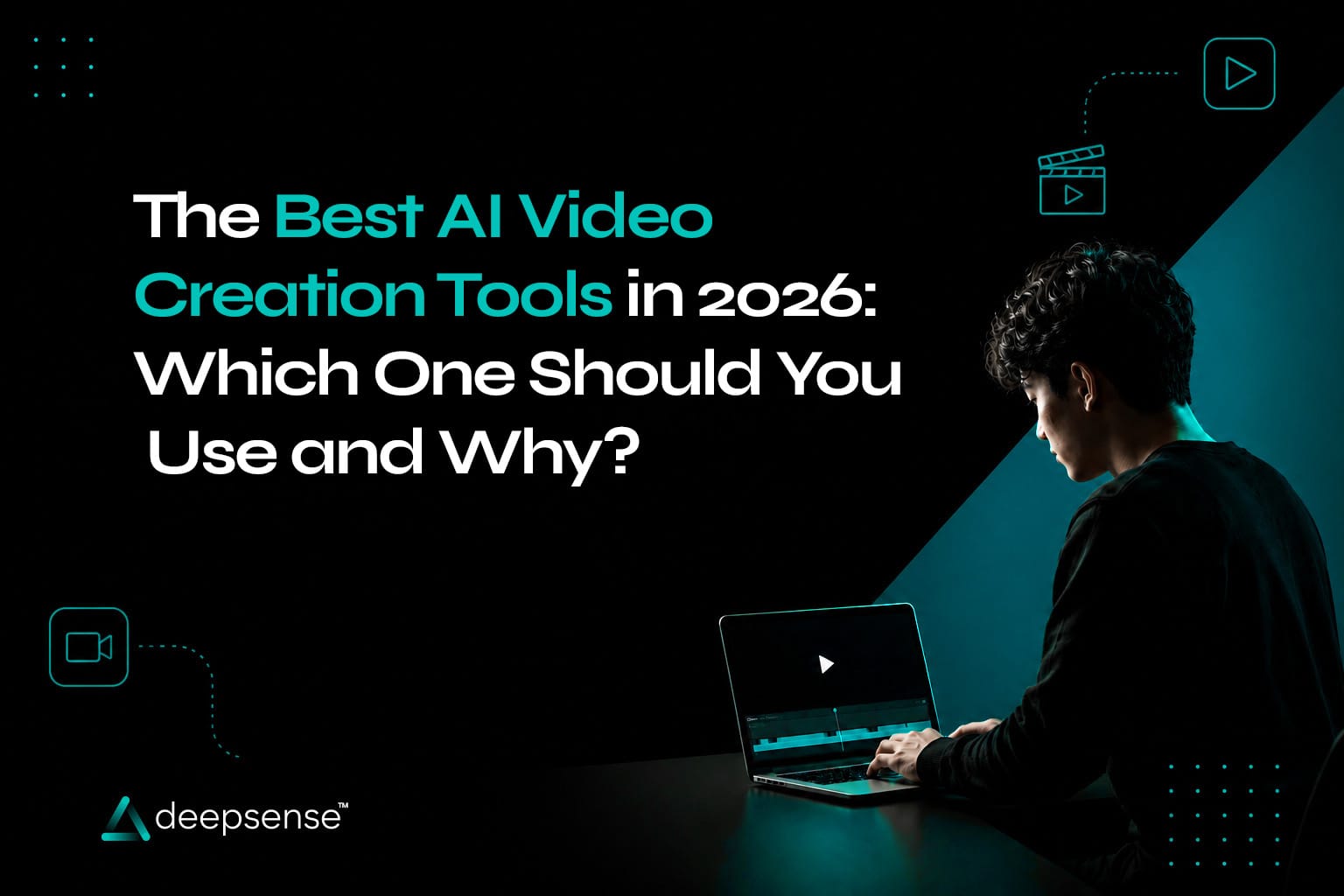
In 2026, AI has completely transformed video production. Today, marketers, creators, agencies, and businesses can generate professional-looking videos from a simple text prompt, edit scenes in seconds, create AI avatars, generate voiceovers, and even produce cinematic visuals without touching complex editing software.
But with dozens of AI video creation tools available, choosing the right one can be overwhelming.
Some are great for creating social media Reels. Others excel at realistic AI avatars, cinematic storytelling, product videos, or advanced editing.
So, which tool should you use?
This guide compares the best AI video generator platforms in 2026, their strengths, ideal use cases, and who they’re best suited for.
Why AI Video Creation Is Booming
Businesses are producing more video content than ever before.
Customers expect:
- Instagram Reels
- YouTube Shorts
- Product demos
- Explainer videos
- Training videos
- Ads
- Tutorials
Producing this manually is expensive and time-consuming.
Modern AI tools for video creation reduce production time from days to minutes while making professional-quality videos accessible to everyone.
What Should You Look for in an AI Video Tool?
Before selecting an AI platform, consider:
- Video quality
- Ease of use
- Editing flexibility
- AI-generated visuals
- Voice generation
- Avatar support
- Text-to-video capability
- Export quality
- Team collaboration
- Pricing
The best tool depends on your specific workflow not just the number of features.
1. Google Flow
Best For:
Cinematic AI videos and high-quality visual storytelling
Google Flow has become one of the most talked-about AI video platforms because of its ability to generate highly realistic scenes from text prompts using Google’s latest AI models.
Strengths
Exceptional cinematic visuals
High-resolution output
Realistic lighting and camera movements
Strong prompt understanding
Great for storytelling and advertisements
Ideal For
- Brand commercials
- Product launch videos
- Creative campaigns
- Short films
- Premium marketing content
Limitations
- Requires thoughtful prompting for the best results
- Better suited for creative generation than quick social media editing
Best if you want visually stunning AI-generated videos with a cinematic feel.
2. Veo
Best For:
Text-to-video generation
Veo is designed to transform written prompts into realistic video sequences with impressive motion and scene consistency.
Strengths
Excellent text to video AI capabilities
Natural camera movements
Realistic physics
Detailed environments
Long-form video generation
Ideal For
- Storytelling
- Marketing videos
- Commercial concepts
- Educational visuals
Why Choose It?
If your workflow starts with an idea rather than existing footage, Veo is one of the strongest options available.
3. Runway
Best For:
Professional AI video editing
Runway continues to be one of the most complete AI video editing tools available.
Key Features
- Background removal
- Object removal
- Motion tracking
- AI inpainting
- Text-to-video
- Image-to-video
- Video expansion
Ideal For
- Content creators
- Agencies
- Video editors
- Marketing teams
Why Marketers Love It
Runway dramatically speeds up editing without sacrificing creative control.
4. Pika
Best For:
Fast social media content
Pika is known for making AI video generation simple.
Users can quickly turn prompts into short, engaging clips.
Strengths
- Beginner-friendly
- Fast rendering
- Animated visuals
- Creative transitions
Best For
- Instagram Reels
- TikTok
- YouTube Shorts
- Quick promotional videos
5. Kling AI
Best For:
Highly realistic motion
Kling AI has gained popularity for producing natural-looking human movement and cinematic scenes.
Strengths
Realistic animation
Smooth character movement
High-quality environments
Detailed visual output
Ideal For
- Fashion
- Lifestyle brands
- Product commercials
- Story-driven videos
6. Synthesia
Best For:
AI avatar videos
If you need presenters without hiring actors, Synthesia remains one of the leading AI video software platforms.
Features
- AI presenters
- Multiple languages
- Voice generation
- Corporate templates
- Screen recording
Perfect For
- Training videos
- HR onboarding
- Internal communication
- Product walkthroughs
7. HeyGen
Best For:
Personalized marketing videos
HeyGen focuses on realistic AI avatars with impressive lip-syncing and multilingual support.
Best Uses
- Sales outreach
- Customer onboarding
- Personalized marketing
- Business communication
Its avatar quality makes videos feel more human while saving production costs.
8. CapCut AI
Best For:
Social media creators
CapCut has expanded beyond editing into AI-assisted content creation.
AI Features
- Auto captions
- AI voiceovers
- Background removal
- Smart editing
- AI effects
- Template generation
Best For
- Reels
- Shorts
- TikTok videos
- Daily content production
9. Adobe Premiere Pro AI
Best For:
Professional editors
Adobe has integrated AI features directly into Premiere Pro.
Capabilities include:
- Auto transcription
- Generative editing
- Object removal
- Scene extension
- Smart color correction
Ideal for professionals who already work within Adobe’s ecosystem.
10. Canva AI Video
Best For:
Businesses and beginners
Canva continues to simplify video creation with AI-powered templates, animations, and editing tools.
Great For
- Marketing presentations
- Social media posts
- Product videos
- Business promotions
Its intuitive interface makes it a strong choice for non-designers.
AI Video Tools Comparison
| Tool | Best For | Ease of Use | Ideal Users |
|---|---|---|---|
| Google Flow | Cinematic storytelling | Medium | Brands, agencies |
| Veo | Text-to-video generation | Medium | Creators, marketers |
| Runway | Advanced AI editing | Medium | Editors, agencies |
| Pika | Quick social videos | Easy | Beginners |
| Kling AI | Realistic animation | Medium | Creative teams |
| Synthesia | AI avatars | Easy | Businesses |
| HeyGen | Personalized videos | Easy | Sales & marketing |
| CapCut AI | Social content | Very Easy | Creators |
| Adobe Premiere AI | Professional editing | Advanced | Editors |
| Canva AI | Business videos | Very Easy | Small businesses |
Which AI Tool Is Best for Different Users?
For Marketers
Choose:
- Runway
- CapCut AI
- Canva AI
- Google Flow
These platforms balance creativity with speed.
For Agencies
Choose:
- Google Flow
- Runway
- Veo
- Kling AI
They offer greater creative flexibility for client work.
For Content Creators
Choose:
- Pika
- CapCut AI
- Runway
Ideal for producing consistent short-form content.
For Businesses
Choose:
- Canva AI
- Synthesia
- HeyGen
Perfect for internal communication, marketing, and customer engagement.
How AI Is Changing Video Marketing
AI is not replacing creativity.
It’s removing repetitive work.
Tasks that once required hours such as trimming clips, generating subtitles, removing backgrounds, or creating voiceovers can now be completed in minutes.
This allows teams to focus more on:
- storytelling,
- strategy,
- audience engagement,
- campaign performance.
For marketers, AI is becoming a creative partner rather than just an editing tool.
Tips for Choosing the Right AI Video Tool
Before committing to a platform, ask yourself:
- Do I need text-to-video or video editing?
- Am I creating short-form or long-form content?
- Do I need AI avatars?
- Will multiple team members collaborate?
- Is speed more important than advanced customization?
- Does the tool fit my budget and workflow?
The right choice depends on your goals not just the latest features.
The Future of AI Video Creation
The next generation of AI content creation tools is expected to deliver:
- Longer and more consistent video generation
- Better character continuity
- Improved voice cloning
- Interactive video experiences
- Smarter editing assistance
- Faster rendering
- More personalized content creation
As these technologies mature, creating high-quality videos will become faster, more accessible, and more creative than ever before.
Final Takeaway
The world of AI video creation tools is evolving rapidly, giving businesses and creators more ways to produce engaging content without large production teams.
Whether you’re generating cinematic brand films with Google Flow, editing professionally in Runway, creating social media videos in CapCut, or producing multilingual training videos with Synthesia, there’s a tool designed for your needs.
Instead of searching for one “best” AI video generator, focus on the platform that matches your workflow, content goals, and audience.
The future of video marketing isn’t about replacing creativity with AI.
It’s about using AI to amplify creativity helping you produce better videos, faster, and at scale.
FAQs
1. What are the best AI video creation tools in 2026?
Some of the top AI video creation tools in 2026 include Google Flow, Veo, Runway, Pika, Kling AI, Synthesia, HeyGen, CapCut AI, Adobe Premiere Pro AI, and Canva AI, each catering to different use cases.
2. Which AI video tool is best for marketers?
Marketers often benefit from tools like Runway, CapCut AI, Canva AI, and Google Flow because they combine speed, editing capabilities, and content creation features for campaigns and social media.
3. What is the best AI tool for text-to-video generation?
Veo and Google Flow are among the strongest platforms for generating high-quality videos directly from text prompts with realistic visuals and smooth motion.
4. Which AI video software is best for beginners?
Canva AI, CapCut AI, and Pika are beginner-friendly options with intuitive interfaces, templates, and AI-assisted editing features.
5. Can AI replace traditional video editing?
AI significantly speeds up editing by automating repetitive tasks such as captioning, background removal, object editing, and scene generation. However, human creativity and storytelling remain essential for producing impactful videos.
6. How should businesses choose an AI video creation tool?
Businesses should evaluate factors such as ease of use, video quality, collaboration features, AI capabilities, budget, and the type of content they plan to produce before selecting an AI video platform.