
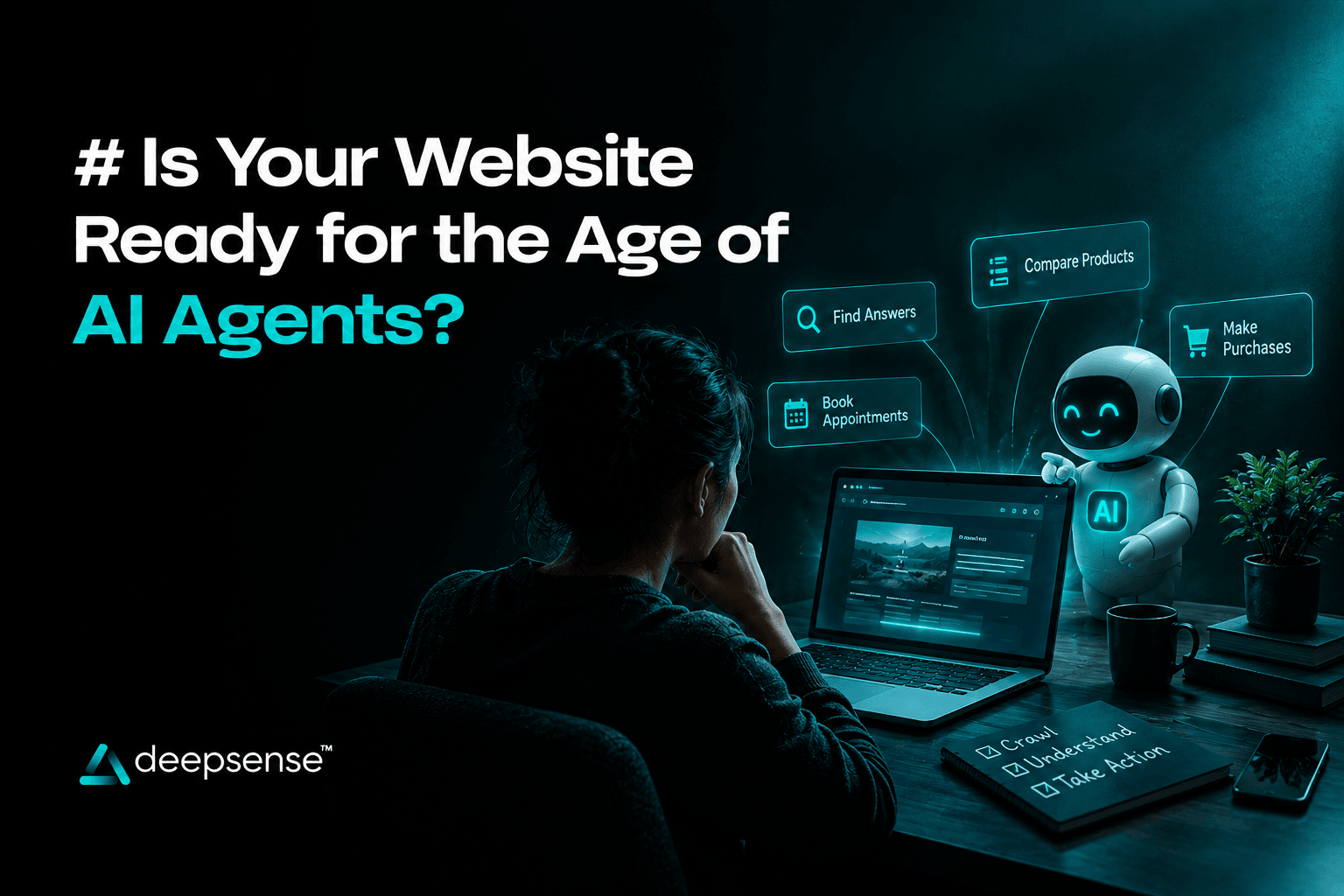
For years, businesses have designed websites to help people browse pages, explore products, compare services, and submit enquiries. But what happens when the next visitor is not simply looking for information, but an AI agent trying to complete a task on someone’s behalf?
Imagine a customer asking an AI assistant to compare three software providers, identify the best option for their budget, and schedule a product demonstration. Instead of manually visiting every website, the assistant may be able to gather information, evaluate available options, and interact with supported services to complete parts of that journey.
This shift introduces a new consideration for businesses: Is your website prepared for AI systems that can do more than generate answers?
AI agents for websites are becoming an important area of discussion in web development, automation, and digital experience design. While adoption and capabilities vary, businesses can begin preparing their websites for more structured information access, useful integrations, secure interactions, and AI-assisted customer journeys.
Let’s explore what this change means, what an AI-ready website needs, and how businesses can prepare without rebuilding everything from scratch.
What Are AI Agents for Websites, and How Are They Different from Chatbots?
Traditional chatbots typically respond to user questions using predefined rules, knowledge bases, or language models. More advanced conversational AI can understand context and generate natural responses, but answering a question is not the same as completing a task.
AI agents are designed to pursue a goal through a sequence of steps. Depending on their capabilities, permissions, and integrations, they may gather information, use tools, make decisions within defined boundaries, and take actions.
For example, consider a website for a B2B software company.
- A traditional chatbot might explain the available pricing plans.
- An AI assistant might compare plans based on a visitor’s requirements.
- An AI agent connected to approved business systems might check product eligibility, collect necessary details, and help schedule a demonstration.
The last example depends on working integrations, reliable data, and appropriate permissions. An AI agent cannot automatically access every website function or complete every transaction.
The important distinction is that AI agents can be designed to move from answering questions towards accomplishing defined tasks.
For businesses, this creates opportunities to rethink how websites support customers, employees, and connected digital services.
Why Should Businesses Prepare for AI Agents Now?
Websites remain essential digital touchpoints, but the way people discover information and complete tasks is changing. AI-powered search, conversational interfaces, and task-oriented assistants are creating new ways for users to interact with digital services.
Preparing for AI agents does not mean every business needs to launch an autonomous website today. It means building the technical and content foundations that make future AI integration easier, safer, and more useful.
Could AI Agents Change How Customers Discover Your Business?
Customers increasingly use AI tools to research products, compare providers, and understand complex services. Depending on the system, an AI assistant may rely on accessible website content, structured information, connected data sources, or other permitted sources.
If a website clearly explains what a business offers, who it serves, how its services differ, and what customers should do next, it becomes easier for people and compatible AI systems to interpret that information.
For example, a cybersecurity company should explain its services, target industries, supported platforms, compliance capabilities, and engagement process in clear language. A vague homepage filled with broad claims makes meaningful comparisons harder.
However, being easy to understand does not guarantee that an AI system will recommend, cite, or select a business. AI systems use different retrieval and selection methods, and website visibility still depends on many factors.
Can AI Agents Reduce Friction in the Customer Journey?
Many websites require visitors to move between pages, fill out forms, contact sales teams, and wait for responses. Some of these steps may be simplified through carefully designed AI website automation.
A service website, for example, could let a visitor describe their requirements in natural language. An integrated assistant could ask relevant follow-up questions, identify suitable services, and offer an appointment through an approved booking system.
This could make the experience faster and more personalised. But the quality of the result depends on the information available, the agent’s capabilities, and how well the workflow is designed.
The goal should not be to add AI everywhere. It should be to remove unnecessary friction where AI can genuinely help.
What Makes a Website AI-Ready?
An AI-ready website is not simply a website with a chatbot. It is a website with clear information, accessible technical foundations, reliable data, and appropriate ways for AI-powered systems to interact with its services.
Businesses can evaluate readiness across five areas.
1. Is Your Website Content Clear Enough for AI Systems to Understand?
Websites often use vague messaging such as “innovative solutions,” “next-generation services,” or “transforming businesses.” These statements may sound impressive but do little to explain what a company actually provides.
Useful content answers specific questions:
- What products or services does the business offer?
- Who are they designed for?
- Which problems do they solve?
- What are the eligibility requirements or limitations?
- How does the process work?
- What evidence supports the business’s claims?
Organise this information using descriptive headings, meaningful page titles, concise explanations, and clear relationships between related topics.
For example, instead of describing a company only as a “digital transformation partner,” explain whether it provides website development, ecommerce implementation, workflow automation, data integration, or AI solutions.
Clear content benefits human visitors, search engines, and AI systems that retrieve or process website information. It also reduces ambiguity when an AI assistant is comparing options.
2. Can AI Agents Access the Information They Need?
AI agents may interact with websites through different mechanisms, including publicly accessible pages, APIs, approved connectors, or browser-based interfaces. The appropriate method depends on the agent and the task.
Businesses should review whether essential information is accessible and consistently presented.
Useful foundations include:
- Well-organised HTML content and semantic page structure.
- Descriptive headings, links, labels, and form fields.
- Consistent product, service, pricing, and availability information.
- Structured data where relevant.
- Documented APIs for supported machine-to-machine interactions.
- Clear authentication and authorisation requirements for protected functions.
For example, an online store may have product descriptions on its website, but an authorised shopping agent could need additional information about stock, product variants, shipping eligibility, or order status. Reliable integrations can help provide that information without requiring an agent to guess.
Accessibility, crawlability, and structured content can improve usability and interoperability, but they do not guarantee that every AI agent can access or use a website. Different systems have different capabilities and access restrictions.
3. Is Your Website Data Accurate and Consistent?
An AI agent is only as useful as the information it can access. Outdated prices, conflicting service descriptions, incorrect opening hours, and missing product details can lead to poor recommendations or failed tasks.
Imagine a customer asks an assistant to find a product that is available for delivery this week. If the website displays outdated inventory, an agent connected to that information could return an incorrect result.
Businesses should identify which information changes frequently and establish a reliable source of truth.
| Website information | What businesses should check |
|---|---|
| Products and services | Current descriptions, features, and availability |
| Pricing | Accurate prices, currencies, and applicable conditions |
| Inventory | Reliable stock and variant information |
| Contact details | Current addresses, phone numbers, and support channels |
| Booking systems | Valid appointment slots and confirmation processes |
| Policies | Updated delivery, returns, privacy, and service terms |
Where appropriate, integrate the website with the systems that own this information, such as inventory software, a CRM, a booking platform, or an order management system.
The objective is not merely to make information available. It is to make the information trustworthy enough to support decisions and actions.
How Can AI Agents Be Integrated into an Existing Website?
Businesses do not necessarily need to replace their current website to explore AI integration. A more practical approach is to identify a specific customer problem and introduce AI capabilities around that workflow.
Can Conversational AI for Websites Become More Action-Oriented?
A conversational interface can help visitors explain what they need without navigating several pages. When connected to suitable tools, it may also support actions beyond answering questions.
For example, a professional services website could allow a visitor to describe a project, clarify the expected timeline, identify the relevant service, and request a consultation.
An effective implementation should include:
- A defined use case: Identify the task the assistant should help complete.
- Reliable information: Connect it to approved, current business content.
- Relevant integrations: Provide access only to the systems required for the task.
- Permission controls: Define what the assistant can read, change, or submit.
- Confirmation steps: Require approval for important or irreversible actions.
- Fallback options: Allow users to contact a human when the assistant cannot help.
- Performance monitoring: Track completion rates, errors, and user satisfaction.
This creates a more useful experience than adding a chatbot simply because AI is becoming popular.
Can AI Website Automation Improve Internal Workflows?
AI agents for business can also support tasks that happen behind the scenes. Depending on the integrations available, they may help qualify enquiries, organise submitted information, summarise customer requests, or route tasks to the correct team.
For example, when a prospect submits a website enquiry, an integrated workflow could categorise the request, extract relevant details, and prepare a summary for the sales team.
However, businesses should avoid granting broad access to customer records or business systems when a narrower permission is sufficient. Sensitive decisions, financial actions, and high-impact customer interactions may require human review.
Automation should improve consistency and efficiency without removing accountability.
How Will AI Agents Influence the Future of Website Development?
AI agents in web development introduce new considerations for developers, designers, and business owners. Instead of focusing only on how a website looks and behaves for a human visitor, teams may also need to consider how supported AI systems discover information and interact with website functions.
Three areas deserve particular attention.
Will Websites Need Better APIs and Integrations?
Websites that depend entirely on visual navigation may be difficult for some automated systems to interact with reliably. Well-designed APIs can offer a more predictable way for authorised systems to retrieve information or perform specific actions.
For example, a booking platform could expose approved functions for checking availability, creating appointments, and retrieving confirmation details. The system would still need appropriate authentication, validation, and safeguards.
Not every website needs a public API. Businesses should prioritise integrations that solve real problems and expose only the capabilities that are appropriate for external access.
Will Website Design Become More Task-Oriented?
Traditional website journeys often assume that users will browse menus, open pages, and follow a predefined sequence. AI-assisted experiences may allow users to describe an outcome and receive guidance through the steps needed to achieve it.
This makes user experience design even more important.
Designers will need to consider how users review information, confirm actions, correct mistakes, understand limitations, and switch to a human when needed.
For example, an AI assistant helping someone book a consultation should clearly show the selected service, date, time, and relevant terms before confirming the booking.
A faster journey is valuable only when users remain informed and in control.
Will Websites Still Need SEO?
Yes. AI agents do not eliminate the need for discoverable, useful, well-structured website content.
Search engine optimisation helps search engines understand pages and can support discovery across relevant search experiences. Clear content, internal linking, technical accessibility, and accurate structured data remain useful foundations.
However, different AI systems may retrieve information in different ways. Optimising for traditional search alone does not guarantee visibility across AI assistants or task-oriented agents.
Businesses should focus on making information accurate, useful, accessible, and easy to interpret rather than assuming a single technical trick will make a website AI-ready.
What Security Risks Should Businesses Consider Before Deploying AI Agents?
Giving an AI system the ability to perform actions introduces risks that do not exist in the same way when a chatbot only provides information.
An agent connected to a CRM, ecommerce platform, booking system, or internal database may be able to access sensitive information or trigger real-world consequences if its permissions are too broad.
Before deployment, businesses should assess several safeguards.
- Least-privilege access: Give the agent only the permissions necessary for its assigned tasks.
- User authentication: Verify identity before allowing access to protected information or account-specific actions.
- Explicit confirmation: Require approval before payments, bookings with consequences, data deletion, or other significant actions.
- Data protection: Limit personal data collection and apply appropriate retention and access policies.
- Input and output validation: Check information before passing it into critical systems or executing an action.
- Audit logs: Record relevant actions so teams can investigate errors and unusual activity.
- Human escalation: Provide a clear route to support when the agent is uncertain or encounters an exception.
- Ongoing testing: Test failure cases, misuse scenarios, access boundaries, and unexpected inputs before and after launch.
Businesses should also consider prompt injection and untrusted content. For example, an agent might encounter malicious instructions embedded in a webpage or a document it processes. Systems should be designed so that untrusted content cannot override access controls or authorise actions on its own.
The guiding principle is simple: an AI agent should never receive more authority than the task requires.
How Can Businesses Measure Whether an AI-Ready Website Is Working?
AI implementation should be measured through business outcomes, not the presence of an AI feature alone.
Before launch, establish a baseline for the existing website journey. Then compare the results after introducing the new capability, taking seasonality and other changes into account.
Useful metrics may include:
- Task completion rate: How often does the visitor successfully complete the intended task?
- Conversion rate: Does the experience increase completed enquiries, bookings, or purchases?
- Time to completion: Can users achieve their goals with fewer unnecessary steps?
- Escalation rate: How often does the agent need to transfer the task to a human?
- Error rate: How frequently does it return incorrect information or fail to complete an action?
- Customer satisfaction: Do users find the experience helpful, trustworthy, and easy to use?
- Operational efficiency: Does the workflow reduce repetitive work without increasing errors?
- Cost per completed task: Is the solution economically worthwhile compared with the previous process?
For example, a business might discover that an AI-powered enquiry assistant reduces incomplete forms but increases the number of low-quality leads. That would indicate the need to improve qualification questions rather than simply celebrating a higher number of submissions.
Measure both efficiency and quality. An AI workflow that completes more tasks but creates customer frustration or operational risk is not necessarily an improvement.
How Can You Make Your Website AI-Ready Without Rebuilding It?
For most businesses, a phased approach is more practical than a complete redesign.
Phase 1: Audit Your Current Website
Review the website’s content, navigation, technical structure, integrations, accessibility, data accuracy, and security. Identify the most important gaps that could prevent users or supported AI systems from accessing reliable information.
Phase 2: Fix the Foundations
Improve unclear content, correct outdated information, strengthen technical accessibility, and organise important product or service details. Review structured data where relevant and ensure that critical information is consistent across connected systems.
Phase 3: Choose One High-Value Use Case
Start with a clearly defined problem, such as answering common service questions, qualifying enquiries, checking appointment availability, or helping customers find suitable products.
Avoid launching an unrestricted agent that can access multiple systems before the business has established appropriate controls.
Phase 4: Connect Approved Tools and Data
Integrate only the systems needed for the chosen workflow. Establish authentication, permissions, validation, logging, confirmation steps, and human escalation before allowing the agent to take meaningful actions.
Phase 5: Test, Learn, and Expand
Run controlled tests using realistic scenarios, including incomplete requests, incorrect inputs, unavailable services, and attempts to trigger unauthorised actions.
Measure performance against the original baseline. Expand to additional workflows only when the initial implementation is reliable, secure, and valuable.
This approach helps businesses prepare for AI-assisted experiences while protecting existing website investments.
Frequently Asked Questions
What is an AI-ready website?
An AI-ready website has clear and reliable content, sound technical foundations, accessible information, and appropriate integrations that can support compatible AI-powered systems. It also includes the security and permission controls needed when automated systems perform actions.
Do businesses need AI agents on their websites?
Not necessarily. AI agents are most useful when they solve a real customer or operational problem, such as helping users find products, complete bookings, or navigate complex information. A conventional website may be sufficient for simpler needs.
Are AI agents and AI chatbots the same?
No. A chatbot primarily provides conversational interaction, although advanced chatbots may have additional capabilities. An AI agent is designed to pursue a goal through multiple steps and may use approved tools to complete tasks.
Does structured data make a website AI-ready?
Structured data can help eligible systems interpret specific information, such as products, services, or organisations. However, it is only one part of website readiness and does not guarantee that an AI agent will access, recommend, or interact with the website.
Will AI agents replace traditional websites?
It is too early to conclude that AI agents will replace websites. Websites remain important for detailed information, brand credibility, product discovery, transactions, and customer support. AI agents are more likely to change how some users access and interact with these experiences.
What is the first step towards AI website integration?
Start by identifying one repetitive or high-friction customer journey. Audit the website information and systems involved, determine whether AI can improve the task, and define the permissions, safeguards, and success metrics before implementation.
Final Thoughts: Build a Website That Is Ready for What Comes Next
The age of AI agents does not mean every business needs to turn its website into an autonomous system. It means businesses should begin thinking beyond pages and interfaces towards the information, integrations, and workflows that make digital experiences more useful.
Clear content, reliable data, accessible technical foundations, thoughtful user experience design, and strong security controls can help businesses prepare for emerging AI capabilities while improving their websites for people today.
The best starting point is not to add AI simply to follow a trend. It is to identify where customers face friction, determine whether AI can solve that problem, and build a controlled, measurable solution around it.
The future-ready website will not just explain what a business does. Where appropriate, it will help people and authorised AI systems understand its offerings, navigate its services, and complete useful tasks safely.